
Cloud Backup for Small Business Explained
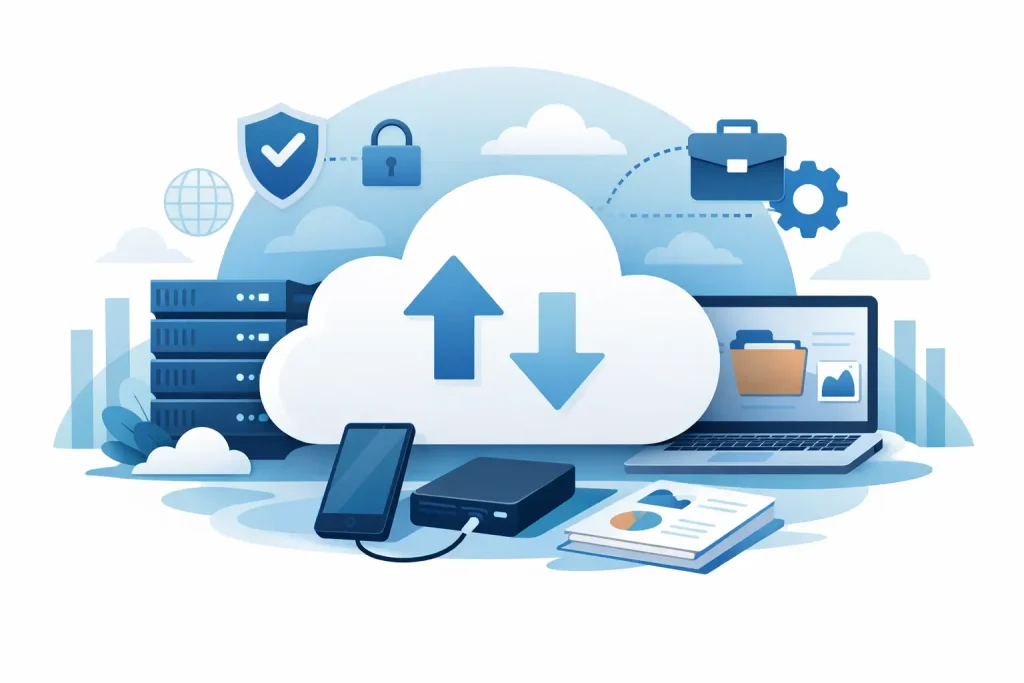
Losing access to your files rarely starts with a dramatic server failure. More often, it is a deleted folder, a failed laptop, a ransomware alert, or a member of staff assuming something was saved when it was not. That is exactly why cloud backup for small business matters. It is not just about storing copies of data somewhere else. It is about keeping your business moving when something goes wrong.
For small and mid-sized businesses, downtime is expensive in a very practical way. Quotes do not go out, appointments are missed, finance records become inaccessible, and staff lose hours trying to piece things back together. In sectors such as dental and healthcare, the impact can be even more serious because systems support patient communication, records access and day-to-day clinical operations. A backup strategy needs to do more than exist on paper. It needs to work when you need it.
What cloud backup for small business actually means
Cloud backup is a service that copies your business data to a secure off-site environment, usually on a scheduled basis. That data might include documents, emails, shared drives, servers, Microsoft 365 data, accounting files, line-of-business systems and device data.
The key point is that backup is not the same thing as ordinary cloud storage. If a file is changed, deleted or encrypted by malware in a synced folder, that problem can sync too. Backup is designed for recovery. It keeps historical versions and recovery points so you can roll back to a clean copy.
That distinction catches many businesses out. If your team uses Microsoft 365, Google Workspace or a hosted platform, you may assume your data is fully protected by default. In reality, those services provide availability of the platform, not always full backup in the way your business needs it. Retention periods, deletion policies and recovery options vary. It is worth checking the detail rather than relying on assumptions.
Why small businesses are often more exposed
Larger organisations tend to have formal IT teams, documented recovery plans and dedicated security resources. Smaller firms usually have fewer layers of protection and less time to manage them. That does not mean the risk is lower. If anything, it can be higher because a single incident affects a bigger share of the operation.
A lost laptop might only affect one user, but if that user handles payroll, bookings or patient communications, the knock-on effect spreads quickly. The same is true if a shared drive becomes corrupted or a ransomware attack locks access to core files. Without reliable backup, your choices become limited and expensive.
There is also a common budgeting issue. Many businesses will invest in antivirus, firewalls and new devices, but delay backup improvements because nothing has gone wrong yet. The problem is that backup only becomes visible when everything else has already failed.
What good backup should cover
A sensible backup setup starts with understanding where your data actually lives. For many businesses, it is not just on one office server. It is spread across laptops, desktops, cloud apps, email platforms, shared folders and specialist software.
That means a one-size-fits-all approach usually falls short. If your business depends on Microsoft 365, your email, Teams files and SharePoint data may need protection. If staff work remotely, endpoint backup becomes more important. If you run a practice management system or industry-specific software, that data may need application-aware backup rather than a simple file copy.
Recovery speed matters as much as backup itself. Some businesses can tolerate restoring archived files over several hours. Others need fast recovery because every minute of disruption affects revenue, service delivery or compliance. A dental clinic that cannot access schedules and records has very different recovery needs from a small design agency restoring old project files.
Cloud backup for small business and cyber security
Backup is a critical part of cyber resilience, but it is not a substitute for good security. The best approach is to treat it as a safety net that works alongside patching, email protection, access controls and user awareness.
Ransomware is the clearest example. If attackers encrypt your live systems, a clean and isolated backup can give you a route to recovery without relying on the attackers. That only works if backups are protected properly, monitored, and tested. If backup credentials are weak or the backup environment is directly exposed, the backup can be targeted too.
This is where managed oversight makes a difference. Businesses often assume a backup job is running because it was set up months ago. In practice, storage fills up, credentials expire, devices stop reporting, and failed jobs go unnoticed. Backup that is not being checked is not much of a backup at all.
How to choose the right setup
The right answer depends on your business size, systems and tolerance for downtime. A small office with mostly cloud-based tools will need something different from a practice with local servers, specialist software and strict continuity requirements.
Start with three practical questions. What data can you not afford to lose? How quickly would you need it back? And where is that data stored today? Once those answers are clear, it becomes easier to match backup tools and retention policies to the real risk.
Retention is one area where cheap services can fall short. Keeping a few recent copies may be enough for accidental deletion, but not enough for a threat that went unnoticed for weeks. Longer retention gives you more recovery options, though it can increase cost and storage requirements. That trade-off is usually worth discussing properly rather than choosing the lowest monthly price.
You should also think about restore flexibility. Can you recover a single file, a full mailbox, a complete machine, or an entire server? Can recovery happen quickly enough to support the way your business operates? Backup is not just about keeping copies. It is about being able to restore the right thing, at the right time, without chaos.
Common mistakes to avoid
One of the biggest mistakes is assuming that sync equals backup. It does not. Sync is useful for collaboration, but it can carry deletion, corruption and malware across devices.
Another is backing up data without testing recovery. If nobody has tried restoring files, mailboxes or systems, there is no certainty that the process will work under pressure. Testing does not need to be disruptive, but it does need to happen.
A third is ignoring user devices. In hybrid and remote setups, important business data often sits on laptops rather than central servers. If those endpoints are not covered, your backup plan may have a large gap in it.
Finally, there is the issue of ownership. Someone needs responsibility for monitoring jobs, responding to failures and checking that the backup scope still matches the business. As teams grow, systems change and software moves to the cloud, the backup plan should evolve too.
Why managed backup support helps
Many businesses do not want to spend time comparing retention rules, checking daily job logs or troubleshooting failed restores. They want confidence that the data is protected and that someone will deal with the issue quickly if there is a problem. That is where a managed IT partner can take pressure off internal teams.
A good provider will help define what needs protecting, set sensible policies, monitor backup health and support recovery when it counts. Just as importantly, they can align backup with your wider IT setup, including cyber security, device management and business continuity planning. That joined-up approach is often more reliable than adding isolated tools over time.
For businesses that operate in regulated or high-dependency environments, specialist knowledge also matters. Healthcare and dental practices, for example, need support that understands how system access affects appointments, records and front-desk operations. In those settings, backup is not a background task. It is part of keeping the business running safely.
Terahost works with businesses that need that kind of practical, dependable support – the sort that protects day-to-day operations as well as long-term resilience.
A sensible next step
If you are not fully sure what is being backed up, how often it is tested, or how quickly you could recover after an incident, that is the place to start. You do not need the most complex system on the market. You need one that fits your business, covers your real risks and gives you a clear recovery path when something goes wrong.
The best backup plan is the one that lets your team carry on with confidence. Focus on your business, not your IT, and make sure your data has somewhere safe to go when the unexpected happens.
Related Resources
Protect your business from downtime and data loss with our
Backup & Disaster Recovery Services.