
SOE Exact IT Support for Dental Practices
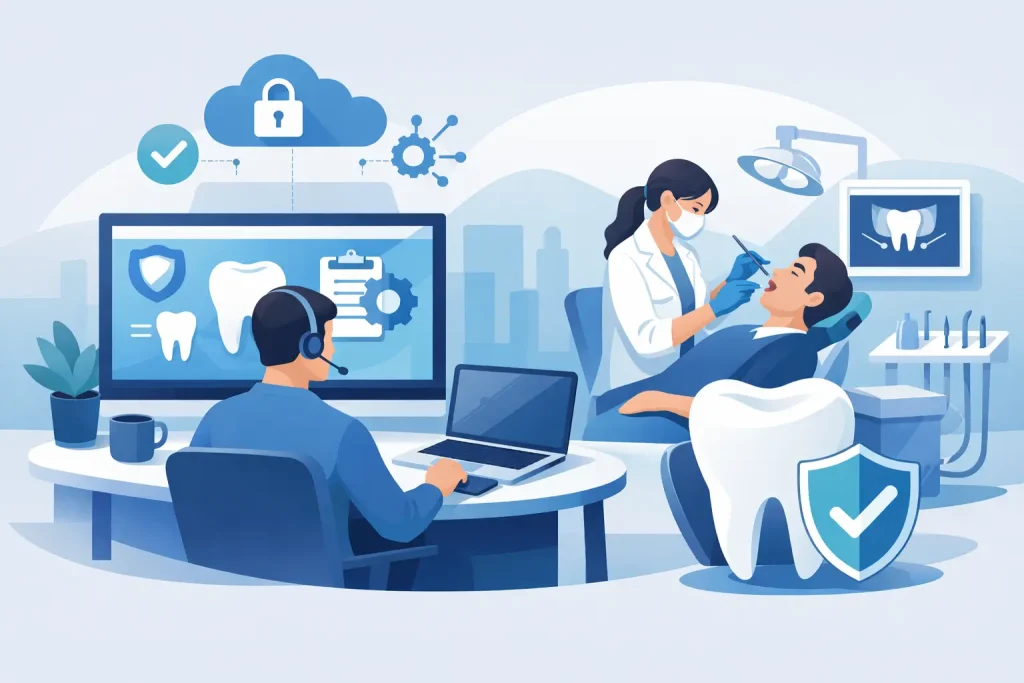
A full waiting room, a clinician ready to start, and SOE Exact refuses to load properly – that is the kind of IT issue that quickly turns into a patient service problem. SOE Exact IT support for dental practices is not just about fixing software faults when they appear. It forms part of a wider Dental IT Support service designed to keep practices productive, secure and compliant.
Dental practices depend on systems that are far more interconnected than many people realise. SOE Exact sits at the centre of appointments, charting, patient communication and billing, but it also relies on stable workstations, healthy servers or hosted environments, secure networks, working backups, and compatible imaging devices. When one part underperforms, the impact spreads quickly. That is why Dental IT Support needs to be practical, responsive and tailored to the way a clinic actually works.
Why SOE Exact IT Support Matters in a Dental Practice
In a typical office, a slow PC is frustrating. In a dental practice, it can delay appointments, create pressure at reception, and interrupt clinical workflows. Teams often move quickly between surgeries, reception and decontamination areas, so systems need to be consistently available and easy to access.
There is also a compliance angle. Dental practices handle sensitive patient information, payment data and clinical records. If access controls are weak, updates are missed, or backups are unreliable, the risk is not only operational. It can become a governance and reputational issue as well.
That is why good support is not measured only by whether somebody answers the phone. It is measured by how well your IT setup prevents repeat issues, supports your staff, and recovers quickly when something does go wrong.
Common SOE Exact IT Support Issues in Dental Practices
Slow Performance and Freezing
One of the most common complaints is that SOE Exact feels slow, hangs during busy periods, or takes too long to open patient records. Sometimes the software gets the blame when the real issue is elsewhere. Ageing PCs, insufficient memory, overloaded servers, poor network performance or storage bottlenecks can all affect speed.
This is where a sector-aware IT provider adds value. A generalist may restart machines and move on. A dental-focused support team will look at the full chain – workstation health, server resources, network latency, login policies and how the software is being accessed across the practice.
Database and Connectivity Problems
If SOE Exact loses connection to its database, users may be locked out or see errors that make day-to-day work difficult. These problems can be intermittent, which makes them especially disruptive. A system that fails for five minutes at random points in the day can be harder to manage than one obvious outage.
Connectivity issues often come down to local network instability, wireless dead spots, switch faults, VPN problems between sites, or underlying server issues. In multi-surgery environments, small weaknesses in infrastructure tend to show up during the busiest hours.
Imaging and Peripheral Integration Issues
Dental software rarely operates alone. Practices depend on x-ray systems, cameras, scanners, printers, payment terminals and sometimes third-party messaging or telephony tools. If an imaging device stops talking to the main system, clinicians can lose time switching between workarounds.
Compatibility matters here. So does change control. Something as simple as an unplanned driver update or replacement PC can break a working setup. Practices need support that understands not only general IT, but the way dental hardware and software interact.
User Access and Permission Problems
Staff changes are frequent in some practices, and access rights are not always reviewed carefully. New starters may have too much access, too little access, or shared logins may still be in use because it feels quicker. That creates support headaches and security risks at the same time.
When permissions are not structured properly, teams waste time chasing access to the right modules or records. More seriously, weak account management makes it harder to track activity and protect patient information.
Backup Failures and Weak Disaster Recovery
Many practices assume their data is backed up until they need to restore it. That is when gaps appear. Backups may be running inconsistently, storing incomplete data, or failing without anyone noticing. Recovery can then take far longer than expected.
For dental practices, Backup and Disaster Recovery is only half the question. The real question is how quickly systems can be restored, who is responsible for that process, and whether the practice can continue operating while recovery is underway.
Cyber Security Threats
Phishing emails, account compromise, ransomware and cyber security threats are now everyday risks. Dental practices are attractive targets because they hold valuable personal data and often run on busy schedules where staff do not have time to scrutinise every email or prompt.
A single compromised account can affect appointments, records access and internal communication. If security controls are too loose, the damage can spread quickly. If they are too strict without the right planning, they can slow staff down. The right balance depends on the size of the practice, how many locations it has, and how its team works.
Many of these risks can be significantly reduced through a structured Cyber Security strategy that combines user training, endpoint protection, email security and proactive monitoring.
Best Practices for SOE Exact IT Support in Dental Practices
Build Around Stability, Not the Cheapest Setup
It is tempting to stretch the life of workstations and servers for as long as possible, especially when they still power on and appear functional. The problem is that dental software performance often degrades gradually. Teams adapt to slowness until a hard failure forces action.
A better approach is planned lifecycle management. Replace hardware before it becomes a clinical bottleneck, standardise devices where possible, and avoid a mix of old operating systems and unsupported machines. The upfront spend is usually lower than the hidden cost of repeated downtime.
Treat the Network as Part of the Clinical Workflow
Reception, surgeries and back-office systems all rely on the same underlying connectivity. If your network is patchy, overloaded or poorly segmented, software problems will keep resurfacing.
Practices benefit from proper business-grade switching, reliable wireless coverage where needed, monitored internet connectivity, and clear separation between clinical systems, guest access and other devices.
Keep Backups Tested, Not Assumed
A backup policy on paper is not enough. Practices should know what is being backed up, how often, where copies are stored, and how long a restore would take. Recovery testing matters because many backup problems only reveal themselves under pressure.
The right recovery plan also depends on your tolerance for downtime. A single-site practice with paper fallbacks may accept a longer recovery window than a multi-chair clinic with heavy daily volume.
Lock Down Access Sensibly
Strong access control does not need to make work harder. Unique user accounts, role-based permissions, multi-factor authentication where appropriate, and a clear joiner-mover-leaver process all reduce risk without creating chaos.
Plan Updates and Changes Carefully
Unplanned changes are a common cause of avoidable disruption. Software updates, Windows patches, hardware swaps and printer changes can all affect SOE Exact and connected systems if they are not checked first.
Choose Support That Understands Dental Environments
This is often the difference between quick recovery and repeated frustration. A support provider that knows dental workflows will understand why a reception issue at 8.45am is urgent, why imaging integration cannot wait until tomorrow, and why clinicians need fixes explained in plain English.
Terahost takes that approach by combining Managed IT Support with specialist dental knowledge, so practices get help that fits the way they work rather than generic troubleshooting scripts.
What Practice Managers Should Expect From Their IT Support
Good support should be proactive as well as reactive. That means monitoring key systems, spotting signs of hardware failure, reviewing backup status, patching securely, and helping the practice plan ahead rather than simply responding to tickets.
It should also be clear and accountable. Practice managers should know who to contact, what gets escalated, how issues are prioritised and what the recovery plan looks like if a major incident occurs.
Terahost provides Dental IT Support throughout Manchester, Stockport, Cheshire and the wider North West, supporting practices using SOE Exact, Dentally, iSmile, Carestream and R4 Clinical+.
The best SOE Exact IT support for dental practices feels steady in the background. Problems are resolved quickly, recurring faults are investigated properly, and improvements are made before users start complaining.
If your practice is spending too much time working around IT, that is usually a sign the setup needs more than ad hoc fixes. The right support will not just get you through the next issue – it will make the next one less likely. Practices looking for Dental IT Support in Manchester often discover that recurring SOE Exact issues are symptoms of wider infrastructure, security or backup challenges that need addressing holistically.
Need Specialist Dental IT Support?
Terahost supports dental practices across Manchester, Stockport and the North West, including SOE Exact, Dentally, iSmile, Carestream and Microsoft 365 environments.
Learn more about our Dental IT Support service →